A contact page for florists and flower shops: taking orders through messengers
Most bouquets are ordered in a chat: the customer sends a photo or a budget, a date and an address, and the florist replies with a price. So a flower shop’s link-in-bio page is not a catalogue website. It is one link that takes people to the right messenger in a second.
We looked at every flower shop and florist page made on Sitelite (185 of them) and gathered what they include, which examples work well, and what is worth adding to your own.
What flower shops put on their page
Share of pages with each button filled in. The niche is detected from the page name and description, so the figures are approximate.
- 91% of pages take orders on WhatsApp, the highest share of any niche we looked at.
- 75% keep a call button: before holidays and for same-day delivery, customers ring rather than write.
- The average page has 4 buttons, more than nail technicians have: shops try to be on every messenger at once.
- 23% add a large main button: “Order a bouquet”, a catalogue or a website.
6 example pages
Screenshots of real pages made on Sitelite, mostly by businesses in Russia and nearby countries. Phone numbers and email addresses are hidden; names and text are translated from Russian.
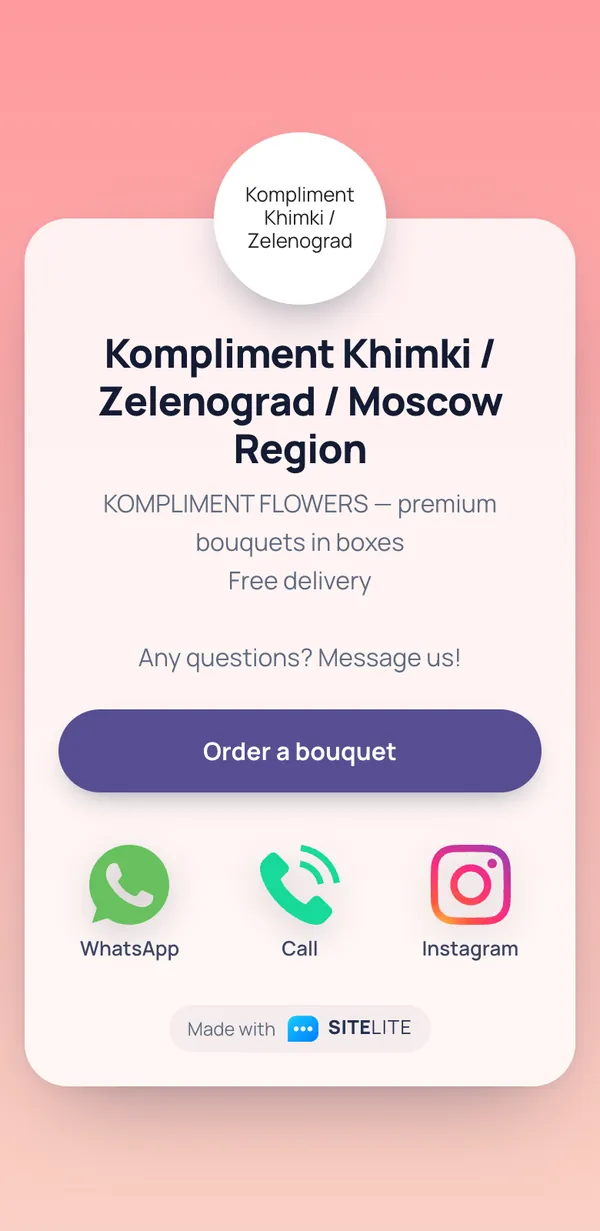
Kompliment Khimki / Zelenograd / Moscow Region
One main button, “Order a bouquet”, opens the catalogue on the shop’s website; WhatsApp, a call and Instagram are there for people who want to ask first. Three selling points in three lines: premium, boxes, free delivery. The delivery area is right in the name.
Open the original page →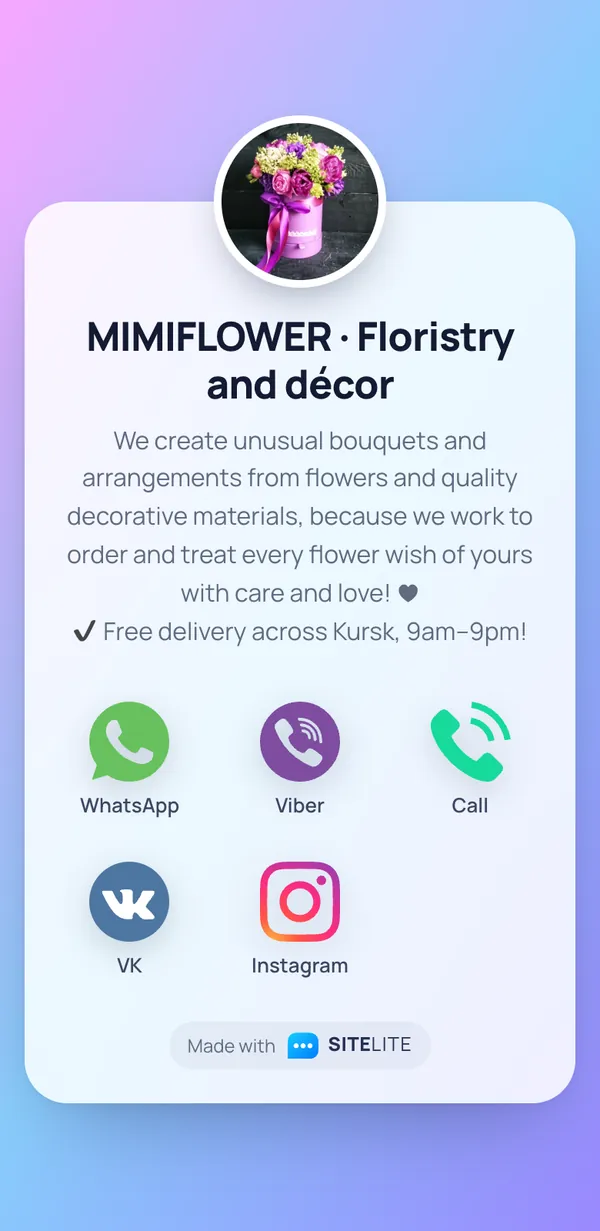
MIMIFLOWER · Floristry and décor
The description answers questions before anyone asks: made to order, free delivery, the city (Kursk) and the hours (9am to 9pm). The profile picture is a real bouquet rather than a logo, so you see the style at once.
Open the original page →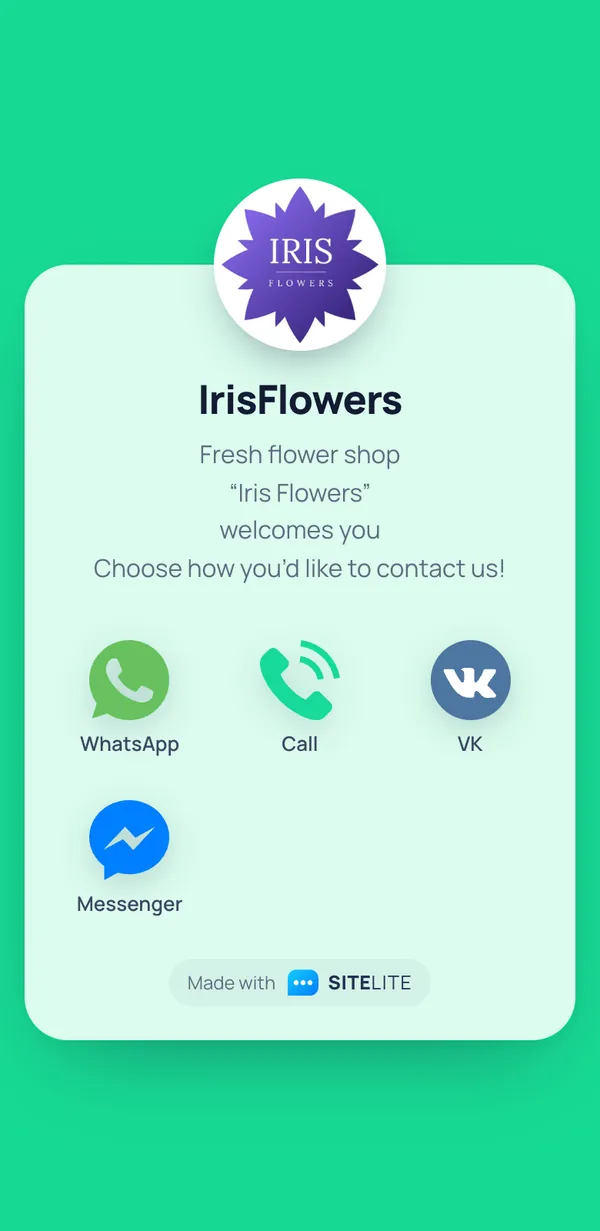
IrisFlowers
A short greeting and four channels, including Messenger and VK. What is missing: the city (the shop is in Kazan), opening hours and delivery terms, which are the first three things every customer asks.
Open the original page →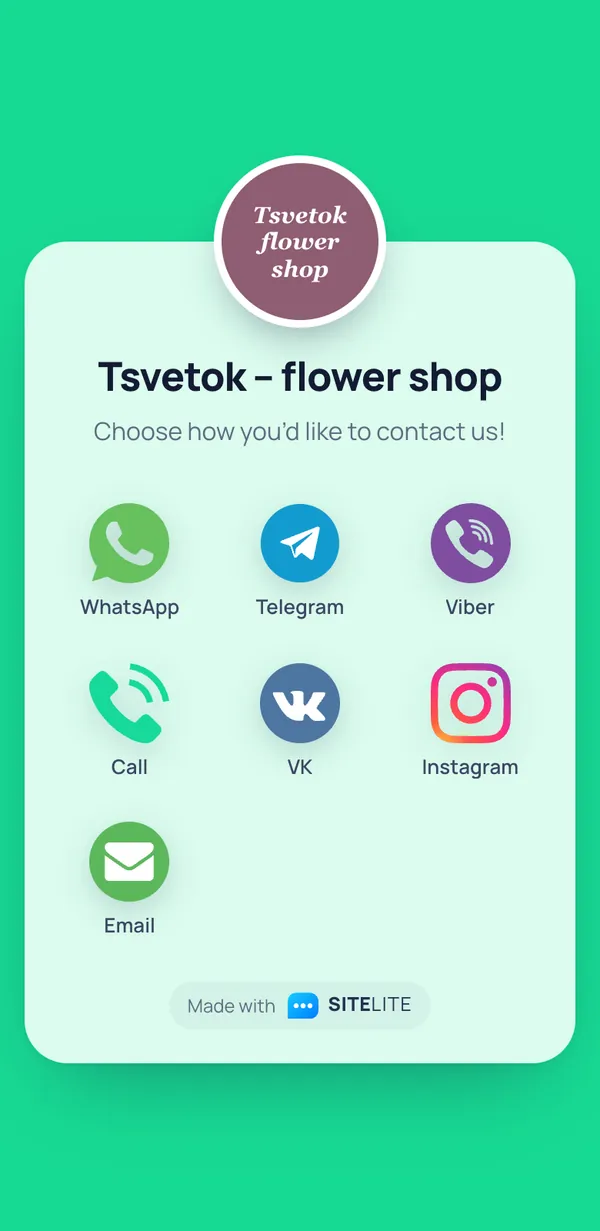
Tsvetok – flower shop
Seven ways to get in touch, including email, which corporate customers need for orders and invoices. The weak spot is the default description: the page does not say the city, the range or delivery times.
Open the original page →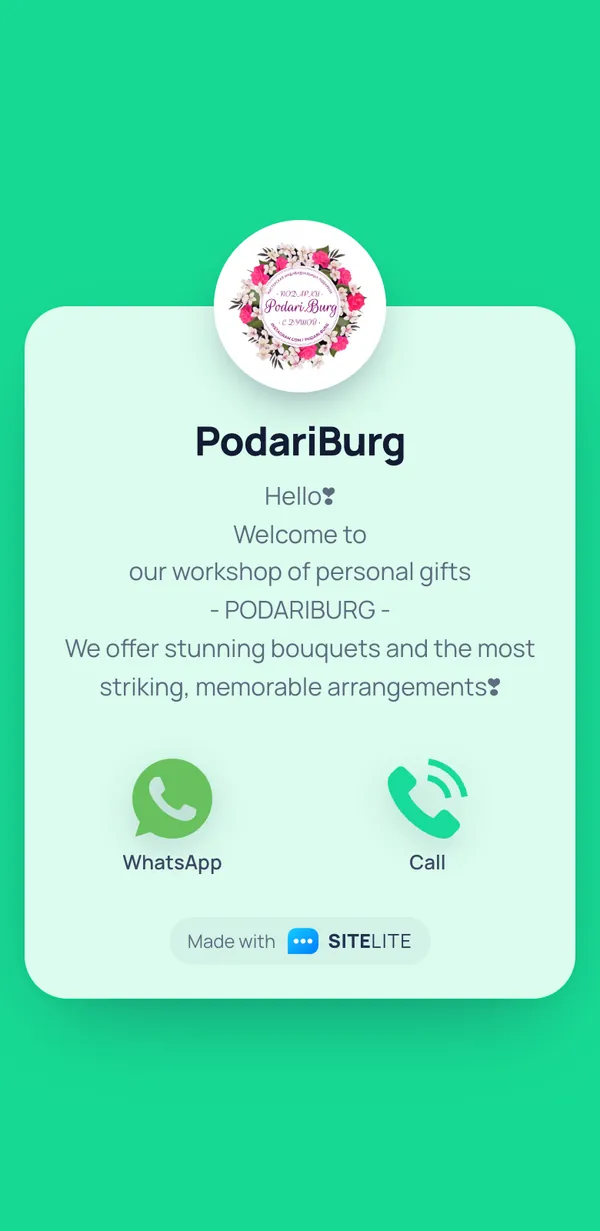
PodariBurg
A warm tone and a clear position, “a workshop of personal gifts”: not just flowers but a present chosen for the person. Contact by WhatsApp, phone and Instagram, where the work is shown.
Open the original page →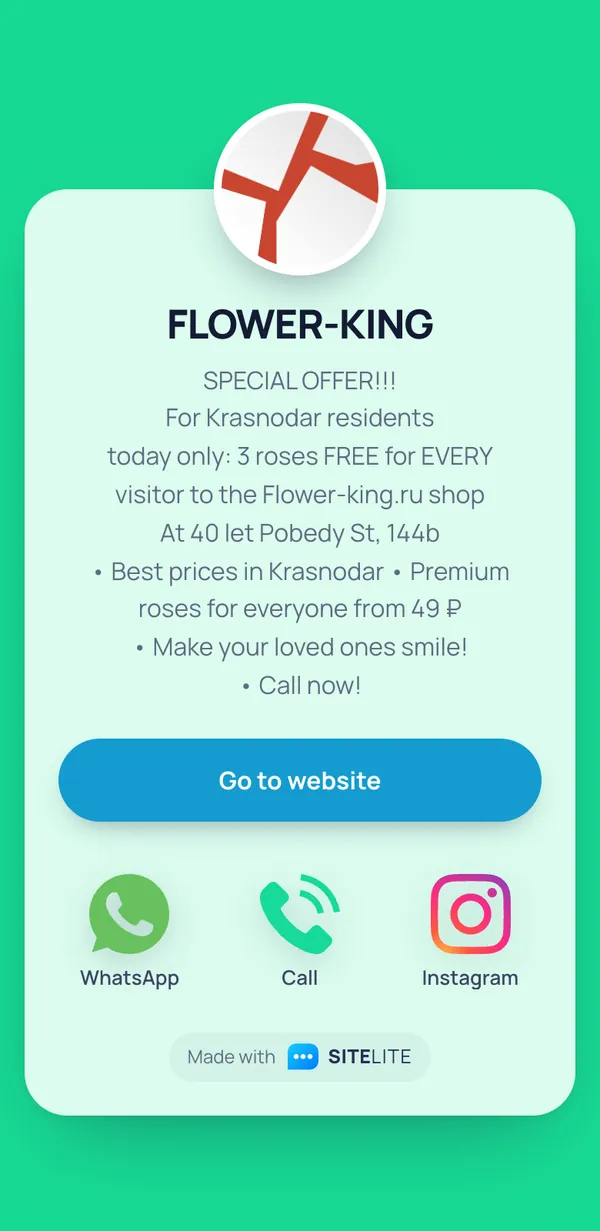
FLOWER-KING
A promo page: the offer, the shop address, a “from 49 ₽” price and a button to the website. Text like this works well in Stories before a holiday; just remember to take the offer down when it ends.
Open the original page →Is this your page and you would rather not be featured? Email support@sitelite.me and we will remove it within two days.
Checklist
- Make the main button WhatsApp (or whichever messenger your customers use) with a pre-filled message: “Hello! I’d like a bouquet for [date], delivered to…”. The customer only adds the details.
- Put your town and delivery area in the name or the first line of the description.
- Give your order hours and the cut-off time for same-day delivery.
- Add your catalogue as a separate large button: an Instagram highlight, a WhatsApp catalogue or your website.
- Show a “from” price: it answers “how much?” and filters out people with a different budget.
- List payment methods and promise a photo of the bouquet before delivery.
- Keep a call button for urgent orders and an email address for corporate customers.
- Before Valentine’s Day and Mother’s Day, update the description with pre-order deadlines and seasonal bouquets.
Questions and answers
Does a flower shop need a website if it has a link-in-bio page?
Not to start with. A page with your messengers plus a catalogue on Instagram or WhatsApp covers almost every order. A website makes sense once you need online payment, a basket and search traffic for queries like “flower delivery [town]”.
How do I take orders on WhatsApp without losing any?
Ask customers to send everything in one message: date and time, address, budget or a photo of the bouquet, and the card text. In WhatsApp Business, label chats (“new”, “paid”, “delivered”) and keep quick replies for common questions.
Where should I put the link to my page?
In your Instagram, Facebook and TikTok bio, on your Google Business Profile, and in marketplace listings. Print a QR code with the link on your wrapping and gift cards, so repeat orders come straight to you.
How do I cope with the rush before Mother’s Day?
Open pre-orders early and mention them in the page description, give the last day and time for orders, and switch on an auto-reply with your price list. Keep the call button: some customers always order at the last minute.
Show the world how easy it is to reach you, in a single tap
All messengers and the core features are free. Forever.
Create your page