A contact page for nail technicians: examples and what to include
Nail appointments nearly always start with a message: “Any slots on Saturday?”. A nail tech’s page exists so that a client from Instagram or TikTok gets, in one tap, to wherever you actually reply, and sees your prices, address and work straight away.
We looked at every manicure and pedicure page made on Sitelite (236 of them) and gathered what they include and which choices work best.
What nail technicians put on their page
Share of pages with each button filled in. The niche is detected from the page name and description, so the figures are approximate.
- 76% of nail techs take bookings on WhatsApp, and only 20% on Telegram.
- 58% keep Viber and 52% a call button.
- The average page has 3 buttons: you do not need to be everywhere, just on the two or three channels where you really answer.
- Only 3% added an online booking button, even though it is the easiest way to cut the “when are you free?” back-and-forth.
6 example pages
Screenshots of real pages made on Sitelite, mostly by businesses in Russia and nearby countries. Phone numbers and email addresses are hidden; names and text are translated from Russian.
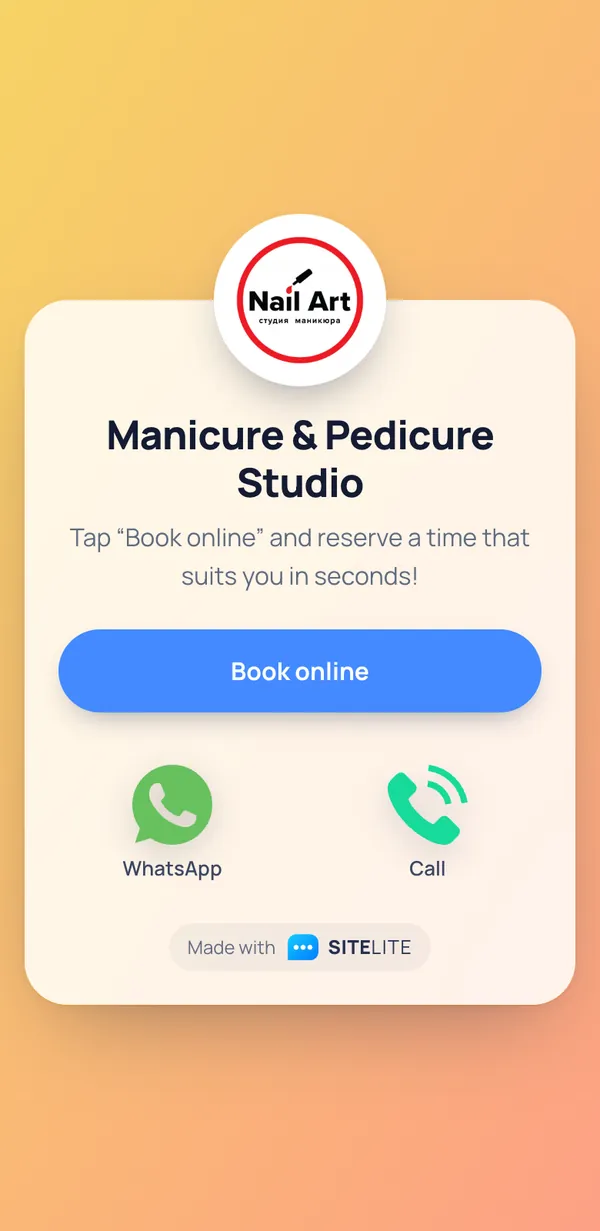
Manicure & Pedicure Studio
The main button is online booking (YCLIENTS): clients pick the technician and the time themselves, and WhatsApp and the phone stay for questions. The description is one sentence leading to one action.
Open the original page →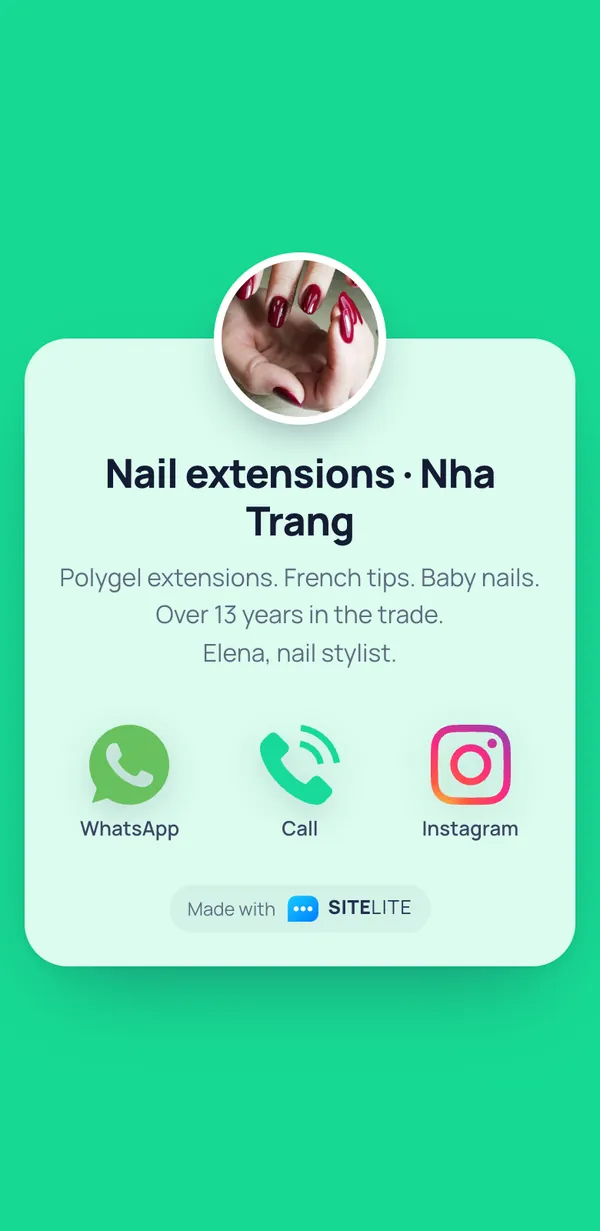
Nail extensions · Nha Trang
Service plus town in the heading, so you instantly know what and where. The description lists techniques, experience and the technician’s name, and the profile picture shows her work. A good model for a tech working abroad with clients from home.
Open the original page →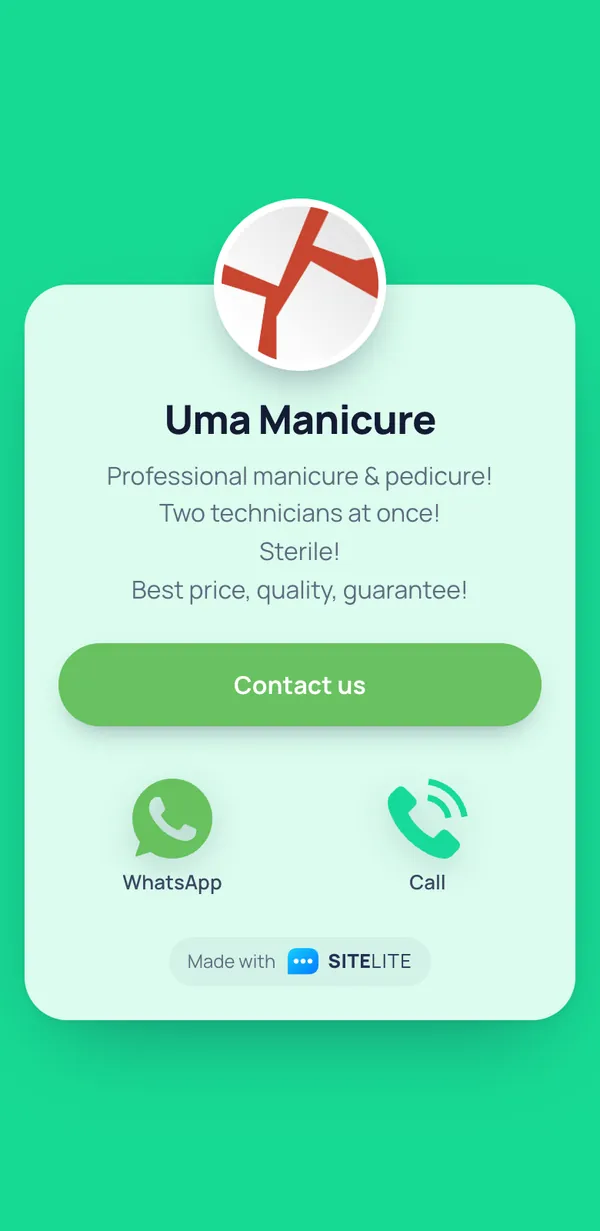
Uma Manicure
“Two technicians at once” is a strong pitch for busy clients: hands and feet in one appointment. What could be better: the big “Contact us” button links back to the same page; it should open the booking page or the price list.
Open the original page →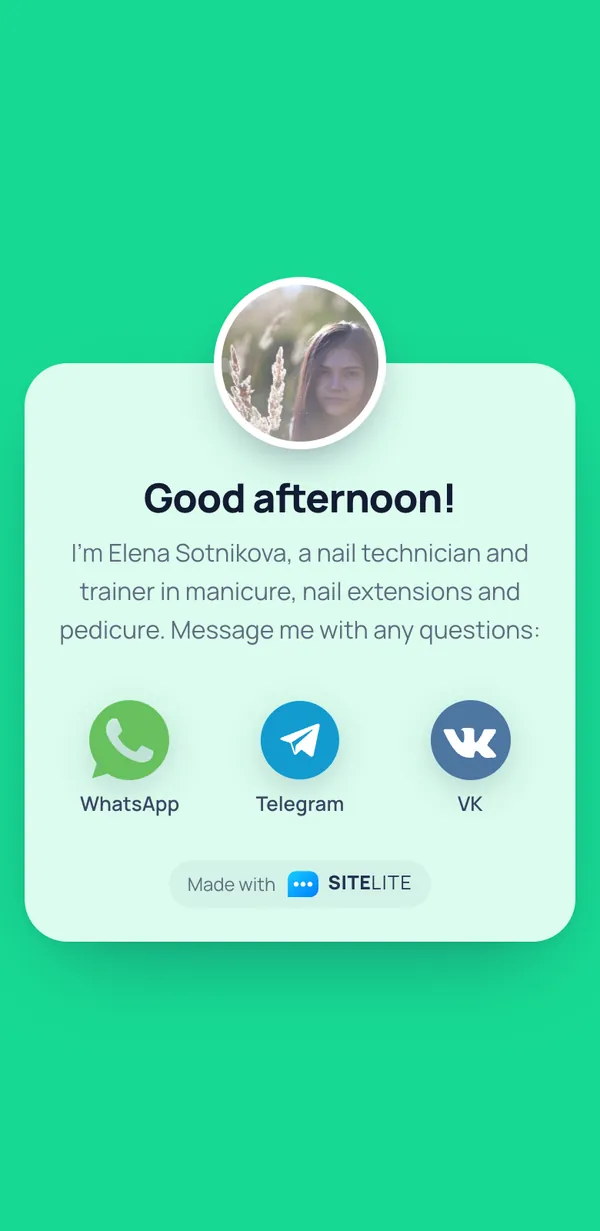
Good afternoon!
Technician and trainer on one page, for clients and students alike. A real photo and a name build trust. Tip: put the name and town in the heading instead of “Good afternoon!”, because the heading is what shows in search results and link previews.
Open the original page →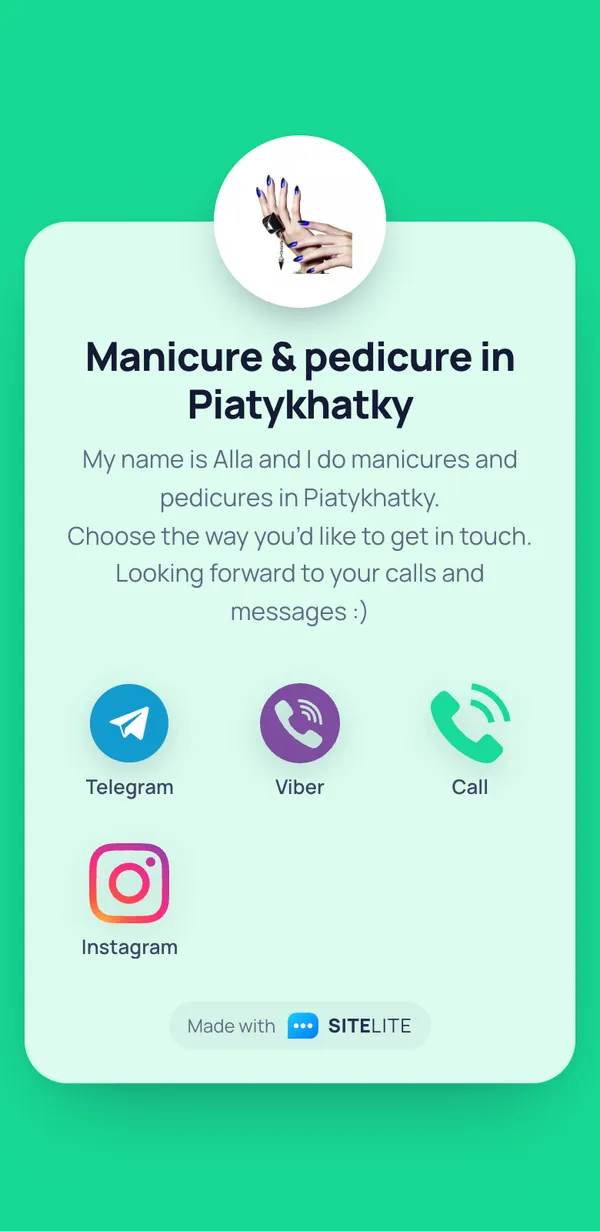
Manicure & pedicure in Piatykhatky
Service and town in the heading, an introduction in the first line. “Looking forward to your calls and messages” takes the awkwardness out of the first message. Four channels: Telegram, Viber, phone and Instagram.
Open the original page →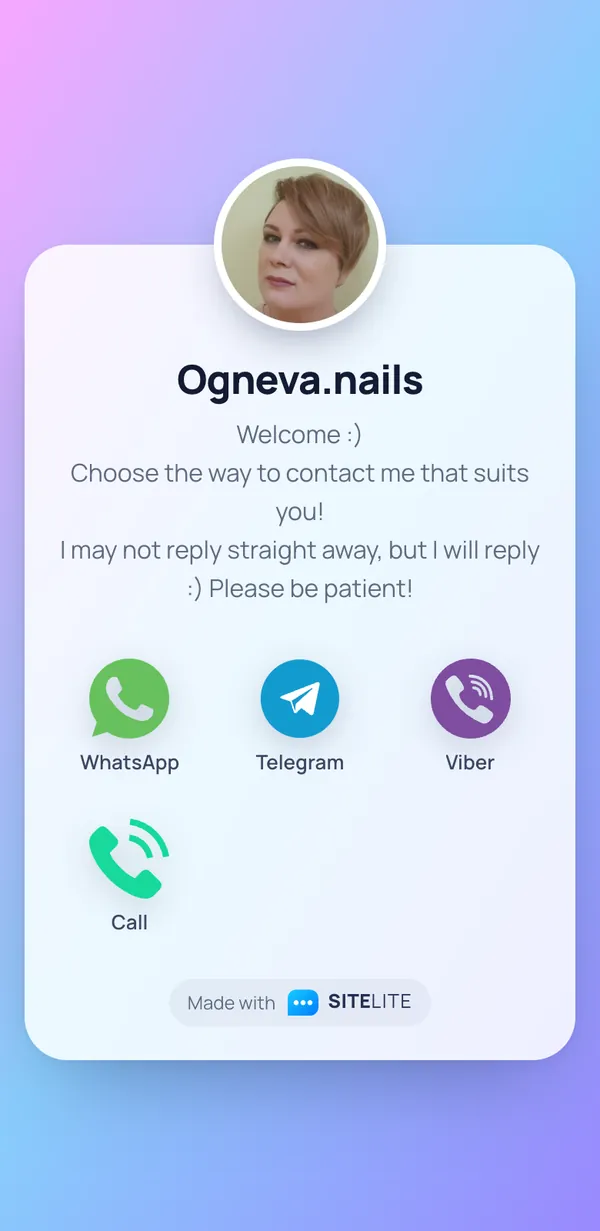
Ogneva.nails
The honest “I may not reply straight away, but I will” saves both sides’ nerves: a technician mid-appointment is not holding a phone. Five channels, including VK.
Open the original page →Is this your page and you would rather not be featured? Email support@sitelite.me and we will remove it within two days.
Checklist
- Heading: your name or studio plus your town or area. It shows in search results and link previews.
- One main booking button: an online booking page (Fresha, Booksy and the like) or WhatsApp with a pre-filled “I’d like to book a manicure”.
- Prices: your 3–5 main services with “from” prices, in the description or as a separate link.
- Portfolio: Instagram, TikTok or a Pinterest board with your work.
- Address and how to find you: entrance, floor, buzzer, map link.
- Opening hours and when you reply to messages.
- Policies: lateness, cancellations, how long your gel polish is guaranteed for.
- If you also teach, add a separate button for students so they do not get mixed up with clients.
Questions and answers
Where should I put the link to my page?
In your Instagram, TikTok and Facebook bio, on your Google Business Profile and in your booking app profile. Put a small QR code sign at your desk: clients save your contact and book their infill on the spot.
Does a nail technician need a website?
Usually not. Clients come from social media, recommendations and maps, and a contact page covers the essentials: where to book, how much it costs, how to find you. A website is worth it for a salon with several technicians that runs search ads.
Online booking or a messenger?
If you have lots of bookings and are tired of “when are you free?”, make online booking the main button. If you have fewer clients or do custom work (nail art, tricky repairs), keep the messenger and ask for a photo of the design they want in the first message.
How can I cut no-shows?
Send a reminder the day before with a “confirm” reply, state your cancellation policy on the page and take a deposit for long appointments. Online booking apps send reminders automatically.
Show the world how easy it is to reach you, in a single tap
All messengers and the core features are free. Forever.
Create your page